Football Story Guides Hub
From first wishlist click to beating neighborhood teams on the road to Stormy Cormorant.
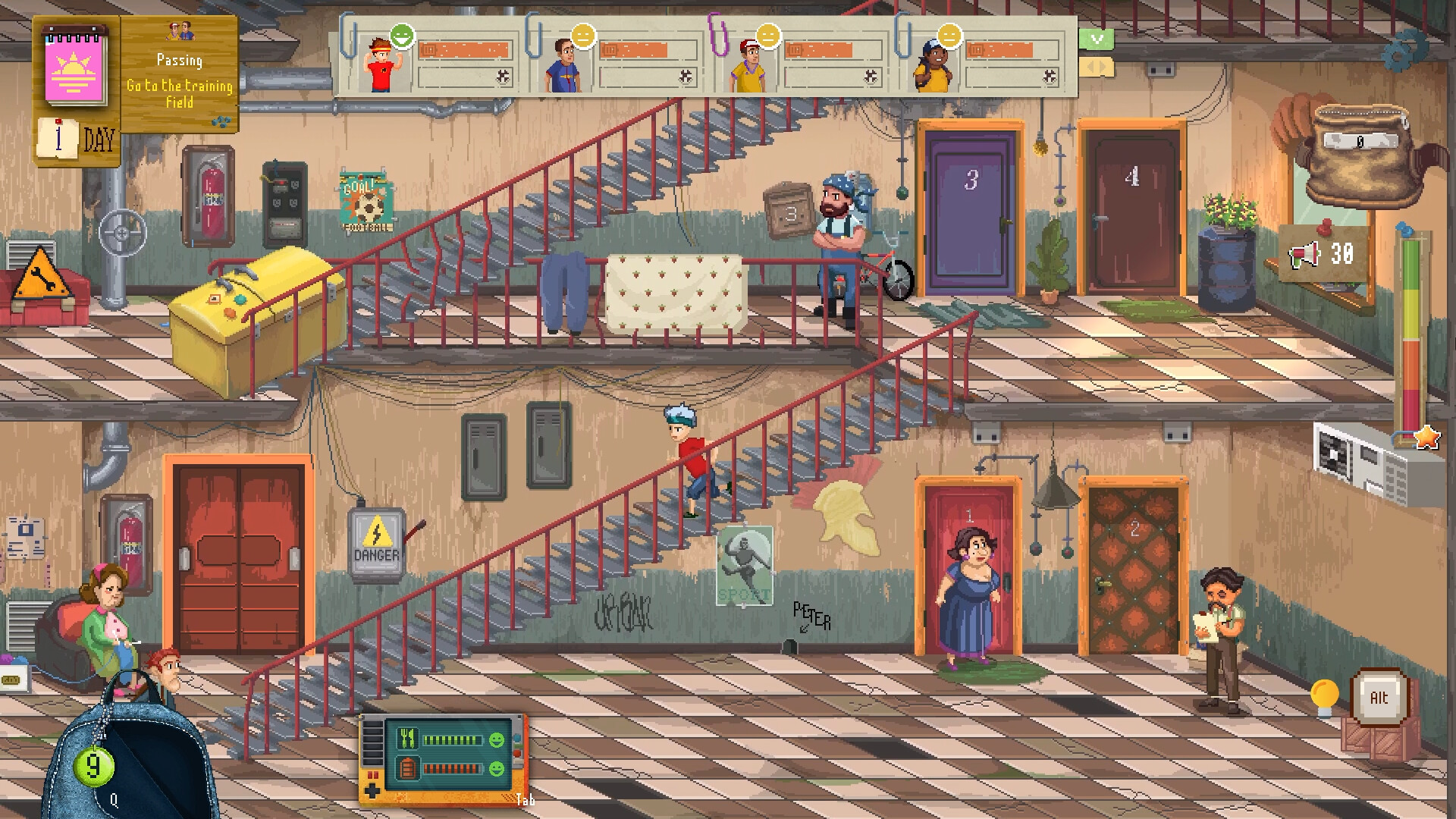
Welcome to the Football Story guides hub. This page is the map for every how-to on the wiki: early setup, match controls, personal and team training, the free Sunny Pan demo, and tactics for winning street matches. Football Story is a cozy football RPG and life sim from fructus temporum, published by Polden Publishing. You play as Rad in Lumen Bay—an Aggromeration of neighborhoods—building a street team, helping locals, and climbing toward the Amateur Showdown against the pro side Stormy Cormorant. Full release is planned for December 4, 2026 on Windows, macOS, and Linux as a single-player game with full controller support.
Use the links below when you know what you need, or follow the reading order if you are brand new. Every guide stays tied to confirmed Steam and developer details so you can plan a wishlist, a demo run, or launch-day habits without chasing outdated multiplayer pitches from older previews.
Start here
New players should begin with Getting Started. It covers wishlisting the main Steam app (757550), installing the free demo (app 884380), system requirements, and a sensible first-hours loop in Lumen Bay. If you only have one evening free, that guide plus the Sunny Pan demo walkthrough will get you farther than jumping straight into a match.
Once the tutorial clicks, open Controls before your next kickabout. Football Story is not a classic full-team sim: on the pitch you control only Rad. Teammates respond to AI, pre-match roles, chemistry, and the yells you fire mid-play. Knowing WASD, mouse aiming, sprint stamina, and both gamepad layouts saves a lot of confused losses.
Core systems
Training sits at the heart of progression. Training and Skills explains the split that matters most: personal training upgrades Rad, while team training upgrades teammates. Gym work and mini-games sharpen stats; longer holds on shots charge power; later unlocks add lofted passes, chip shots, advanced dribbling, and other tricks. Synergies and role distribution decide whether your kids play as a real squad or as five strangers who forget to pass.
When matches start feeling unfair, read How to Win Matches. Pre-match, arrange defender, midfielder, and forward positions so AI behavior matches the plan. During play, yell commands such as Pass! and Shoot! when a teammate sits on the ball. Sprint carefully—stamina is trained off the pitch—and use positioning rather than button-mashing to create chances against neighborhood rivals on the road to Stormy Cormorant.
Demo and neighborhood focus
The free demo focuses on Sunny Pan, the first neighborhood: chaotic, welcoming, full of odd jobs, street food, and kids waiting to be recruited. Dig into Jobs & Side Quests when the life-sim half needs a dedicated plan, and Demo vs Full Game when you wonder what stays after December 4, 2026. Sunny Pan Demo Guide walks through what the demo is for, how life-sim chores feed match readiness, and how to leave Sunny Pan feeling ready for the wider Aggromeration when the full game launches. Pair it with the official demo trailer embedded on that page and the new-kid intro clip on Getting Started.
How to use this hub
- Skim titles, then jump to the guide that matches your current question.
- Cross-link between siblings: controls and training both feed match tactics; the demo page assumes you already know the early loop.
- Prefer in-wiki paths with trailing slashes such as
/guides/controls/so language prefixes stay correct after generate. - Check Updates when demo patches change tutorial clarity, AI tactics, or localization.
- Keep Players and Tier List bookmarked once roster and ranking pages grow beyond placeholders.
Suggested reading order
- Getting Started — wishlist, demo install, first hours as Rad.
- Controls — keyboard, mouse, and gamepad layouts.
- Training and Skills — personal vs team training and unlocks.
- Jobs & Side Quests — odd jobs that fund training and recruiting.
- Sunny Pan Demo Guide — neighborhood loop and demo goals.
- Demo vs Full Game — what the demo includes versus full launch.
- How to Win Matches — roles, yells, and pitch decisions.
What these guides intentionally skip
This hub does not invent multiplayer seasons, unlockable promo codes, or script lists. Football Story ships as a single-player story about friendship, street football, and a teenage dream. Older marketing that mentioned multiple campaign leads is outdated relative to the current Rad-focused pitch—stick to that when reading community posts. System specs, control schemes, and neighborhood names here track Steam store copy and official developer blogs.
If a guide leaves a gap—exact skill trees after a patch, a new neighborhood after Sunny Pan, or revised gamepad defaults—prefer official Steam news and the in-game tutorial over rumor. Then come back here: each page is meant to stay practical, cross-linked, and ready for launch week on December 4, 2026.
Frequently Asked Questions
Quick answers for Football Story players.
Which Football Story guide should I read first?
Start with Getting Started for wishlist and demo setup, then Controls before serious matches. Use the Sunny Pan demo guide if you are mid-demo.
Is Football Story single-player only?
Yes. The current Steam listing is single-player with full controller support. These guides do not cover online multiplayer modes.
Do I need the Sunny Pan demo before the full release?
No, but the free demo is the best way to learn Rad, training, yells, and neighborhood life before December 4, 2026.
Where do match tactics and training overlap?
Personal training powers Rad; team training powers AI teammates. How to Win Matches shows how roles and yells use that progress on the pitch.