Getting Started with Football Story
Wishlist, demo, and first hours as Rad in Lumen Bay before the December 4, 2026 release.
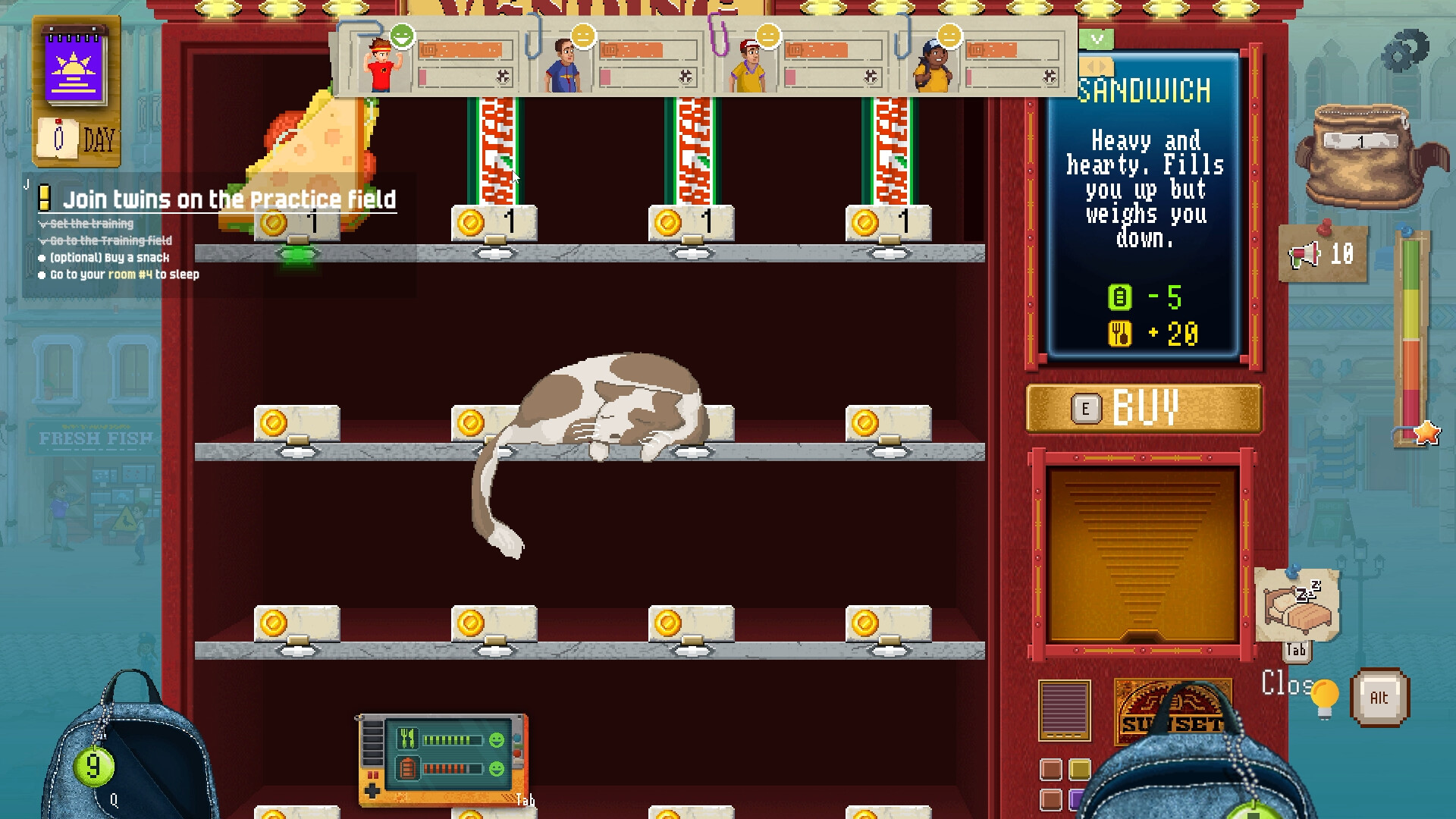
Football Story is a cozy football RPG and life sim about growing up, friendship, and a dream. You guide Rad, the new kid in Lumen Bay, through daily training, odd jobs, neighborhood friendships, and street matches. Developer fructus temporum and publisher Polden Publishing plan the full Steam release for December 4, 2026 on Windows, macOS, and Linux. The game is single-player with full controller support. This getting-started guide covers wishlisting, the free Sunny Pan demo, system requirements, and a practical first-hours loop so you do not waste early sessions.
Wishlist the full game and install the demo
On Steam, the main product is app 757550. Wishlist it so you get release notifications and any launch discounts. The free demo is a separate app, 884380, and focuses on the first neighborhood, Sunny Pan. Install the demo from the Football Story store page or the dedicated demo listing. Keep both apps in your library: demo progress teaches systems you will reuse at launch, while the wishlist entry is what unlocks on December 4, 2026.
Official site, Discord, and social links live through Steam’s hub and the publisher pages—bookmark them if you care about patch notes. Language support on Steam includes English, French, German, Spanish, Brazilian Portuguese, and others; this wiki focuses on EN plus FR, DE, ES, and PT-BR.
Check system requirements before you download
Windows minimum: Windows 10 64-bit; Intel Core i3-4130 or AMD FX-4300; 6 GB RAM; Intel HD Graphics 4400 / NVIDIA GT 730 / AMD Radeon R7 240; DirectX 11; 3 GB storage.
Windows recommended: Intel Core i5-6500 or AMD Ryzen 3 1200; 8 GB RAM; NVIDIA GTX 750 Ti or AMD RX 460; SSD recommended.
macOS needs Big Sur or newer with a Metal-compatible GPU. Linux targets Ubuntu 22.04-class distros with OpenGL 3.2+ or Vulkan. The pixel-art presentation is light by modern AAA standards, but an SSD still helps load times between town and pitch.
Who you are and what you are chasing
Rad arrives in Lumen Bay—the Aggromeration of neighborhoods—with big local-legend energy and no ready-made squad. Your long-term arc is to beat amateur teams across neighborhoods, then earn a shot at the Amateur Showdown against the professional Stormy Cormorant. That is not a day-one boss fight. Early hours are about living in the neighborhood: train, help residents, recruit kids, build chemistry, and win backyard matches that prove you belong on the street-football ladder.
Do not expect a pure FIFA-style career mode. Matches matter, but so do chores, conversations, and the rhythm of a summer in Lumen Bay. Older previews that talked about multiple campaign protagonists are outdated relative to the current Rad-focused single-player pitch—plan your save around Rad.
First-hours checklist
- Finish the tutorial. Recent demo builds emphasize clearer teaching for tactics, skills, and yells. Do not skip prompts about Pass! and Shoot!.
- Learn that you only control Rad on the pitch. Teammates are AI. You influence them with pre-match roles, training, chemistry, and mid-match commands. Details live in Controls and How to Win Matches.
- Split training time. Personal sessions upgrade Rad; team sessions upgrade teammates. See Training and Skills.
- Take odd jobs and help locals. Life-sim tasks build community bonds and unlock rewards that feed your football goals.
- Recruit neighborhood kids and play together. Chemistry turns a random group into a coordinated squad.
- Schedule early matches after a bit of training. Going in raw teaches controls; going in after one solid training day teaches whether your roles make sense.
Demo-first path (recommended)
If the full game is not out yet—or you want a low-pressure rehearsal—spend your first evening in Sunny Pan. The neighborhood is chaotic and welcoming: serenades, street food, multilingual chatter, and plenty of small problems to solve. Use it to practice the daily loop without worrying about endgame neighborhoods. The dedicated Sunny Pan Demo Guide expands on goals, pacing, and what carries into the full Aggromeration.
Watch the short new-kid intro above for tone and setting, then jump into the demo trailer from the Sunny Pan page when you want match footage and pitch feel.
Keyboard or gamepad on day one?
Football Story supports keyboard and mouse plus full controller support. Keyboard players use WASD to move, Shift to sprint, mouse aim for shot direction, and LMB/RMB for different shots. Gamepad players can try the dual-stick layout (left stick move, right stick shot direction, RB/LB shots, face buttons for yells) or the alternate scheme that merges move and shot direction on the left stick. Pick one layout for the whole first session so muscle memory sticks—then refine in Controls.
What “good progress” looks like after a few hours
You are on track if Rad feels sharper from personal training, at least a couple of kids feel worth starting, you have completed a handful of local favors, and you can win or closely contest early Sunny Pan matches without panic-sprinting every possession. You are behind if every match ends with teammates ignoring you—that usually means more team training, clearer pre-match roles, and more deliberate Pass! / Shoot! calls rather than raw stats alone.
Launch-day plan (December 4, 2026)
When the full game unlocks, reinstall or verify files on Steam, re-check language settings, and skim Updates for patch notes that landed between the demo and 1.0. Carry forward the habits that worked in Sunny Pan: balanced personal vs team training, helpful neighborhood loops, and role setup before kickoff. Your wiki trail from here is Guides Hub → Controls → Training → Match tactics, with Players and Tier List pages for roster talk as the community fills them in.
Common early mistakes
- Treating it like a full-team sim. You cannot hop to the goalkeeper or every outfield player. Coach with yells and roles.
- Ignoring stamina. Sprint drains energy you rebuild through training—spam Shift and you will arrive late to every fifty-fifty.
- Skipping life-sim beats. Odd jobs and favors are not filler; they fund chemistry, rewards, and the cozy fantasy the game sells.
- Saving all training for Rad. A superstar with selfish AI teammates still loses street matches.
- Diving into harder rivals before Sunny Pan fundamentals click. Beat the block you are on before dreaming about Stormy Cormorant floodlights.
Next reads
- Controls — tables for keyboard and both gamepad options.
- Training and Skills — personal vs team progression and unlockable tricks.
- Sunny Pan Demo Guide — neighborhood-focused demo walkthrough.
- How to Win Matches — positioning, yelling, and tactics.
- Guides Hub — full index of tutorials on this wiki.
Frequently Asked Questions
Quick answers for Football Story players.
When does Football Story release?
Steam lists December 4, 2026 for Windows, macOS, and Linux. Wishlist app 757550 for notifications.
Is there a free demo?
Yes. Demo app 884380 covers the Sunny Pan neighborhood with core training, life-sim, and match systems.
Do I control the whole team in matches?
No. You control only Rad. Teammates follow AI shaped by roles, training, chemistry, and yell commands.
What should I do in the first hour?
Finish the tutorial, try one personal and one team training session, help a local, recruit a kid, then play a low-stakes match.
Is Football Story multiplayer?
The current product is single-player. Plan your save and expectations around a solo story with Rad in Lumen Bay.