Football Story Platforms & Languages
Steam OS targets, controller support, Deck caution, and text language list.
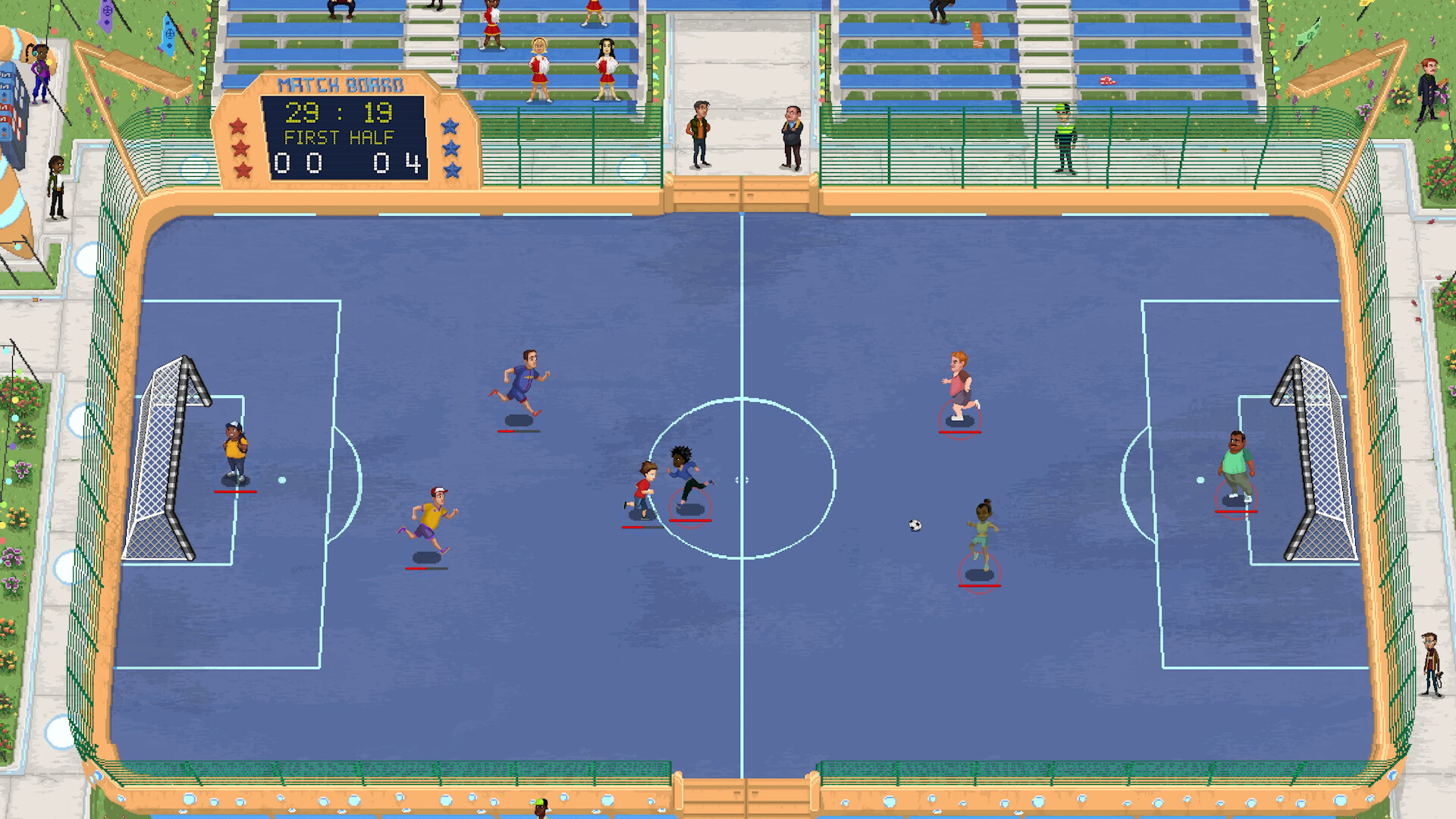
This page is the practical platforms and languages checklist for Football Story (Steam app 757550) ahead of the December 4, 2026 launch. Developer fructus temporum and publisher Polden Publishing list a single-player cozy football RPG + life sim for Windows, macOS, and Linux, with full controller support. Use it beside System Requirements, Controls, and Demo & Next Fest. If Steam’s store table disagrees with this article on launch week, trust Steam.
Platforms snapshot
| Platform | Public status |
|---|---|
| Windows | Supported (primary PC target; see min/rec specs) |
| macOS | Supported (check store OS line at install time) |
| Linux | Supported (check native vs Proton messaging on the store) |
| Steam Deck | Untested / unknown until Valve’s widget says otherwise |
| Consoles | Not part of the current Steam packaging described here |
Football Story is sold as a PC Steam title across the three desktop families above. Specs, DirectX, and storage details live on System Requirements. This page focuses on where it runs and which languages the client speaks — not GPU shopping.
Windows, macOS, and Linux habits
Windows owners should verify they clear the published minimum (and ideally recommended) band, update GPU drivers, and keep more than the listed ~3 GB free for patches. macOS and Linux players should open the store’s platform tabs before purchase: OS version rows can differ from the Windows table even when the marketing line says “Mac and Linux too.”
Cross-platform checklist before launch night:
- Confirm the Steam client is signed into the correct account and region.
- Install on the drive you will actually play from (SSD preferred for life-sim streaming feel).
- Run the free demo (app 884380) on the same OS when it is available — the best hardware lab Valve cannot put in a table.
- Note whether town exploration and a full match both feel stable after the October localization/stability fixes.
- Wishlist the full game so release notifications reach you.
Controllers: full support, dual layouts debated
Steam feature tags include full controller support, with a gamepad recommended. Match design centers on moving only Rad while shouting Pass! / Shoot! to AI teammates, so a pad is a natural fit.
Developer notes describe two gamepad layout options that are still debated in community feedback and studio commentary:
- Option 1 (dual-stick aim): left stick moves, right stick aims, bumpers handle shot variety, face buttons yell.
- Option 2 (merged aim): left stick combines move and aim, face buttons handle shots/tricks, bumpers yell.
Neither layout is “wrong.” Spend a low-stakes Sunny Pan match on each, then lock one for a full session. Remapping mid-rivalry is how misplaced chips happen. Keyboard and mouse remain valid: WASD, mouse aim, LMB/RMB shot flavors, and yell keys shown in Options. Deep binding tables live on Controls.
Comfort tips:
- Confirm Steam Input sees your pad before December 4.
- Test DualShock / Xbox-class pads if you own both; muscle memory differs.
- After training unlocks lofted passes or chips, reopen Controls — bumper vs face-button placement depends on the chosen option.
Steam Deck — untested
Treat Steam Deck compatibility as untested/unknown until Steam’s official verification widget labels the build. That means:
- No wiki claim of Verified or Playable without Valve’s badge.
- Community Proton anecdotes are not certification.
- TDP limits, 16:10 UI scaling, and control mapping may need manual tweaks.
- Demo success on Deck does not automatically equal launch success after patches.
If you try Deck anyway: start on gentler presets, verify Proton experimentally, and keep expectations flexible. Hardware caution language is expanded on System Requirements.
Text languages (store / demo matrix)
Public Steam packaging highlights text (interface / subtitles) support rather than full voice acting for every locale. Treat the following list as the planning set called out for the product’s language table and demo localization work — always re-open the store’s “See all supported languages” panel near launch:
| Language | Notes |
|---|---|
| English | Baseline |
| Russian | Added in the Oct 21 demo localization update |
| German | Added Oct 21 |
| Spanish (Spain) | Added Oct 21 |
| Spanish (Latin America) | Added Oct 21 |
| Portuguese (Brazil) | Added Oct 21 |
| Simplified Chinese | Listed among store language rows for the full product |
| Turkish | Added Oct 21 |
| French | Listed among the broader store language set |
Steam’s product page reports on the order of nine supported languages for the full listing. The October 21, 2026 demo post specifically announced six additions (Russian, German, Spanish Spain, Spanish Latin America, Portuguese Brazil, Turkish) and stated you can change language in Settings. English was already available; French and Simplified Chinese appear in the wider store matrix players should verify before purchase.
Important distinctions:
- In-game Settings language ≠ this fan wiki’s language toggle.
- Demo language coverage can trail or lead the full release table — re-check both app pages (757550 and 884380).
- Typo reports for new translations were invited in Steam Discussions; this wiki is not a ticket queue.
Settings language switch (from the Oct 21 update)
After the localization update:
- Open Settings in the demo (or full client once shipped).
- Pick your preferred supported language.
- Confirm UI strings and subtitle-style text update.
- If a string looks broken, note the language, platform, and screenshot for Discussions.
The same update also showed abilities on the pre-match screen and fixed several match/UI blockers — verify files if you last played an older English-only slice. Timeline context: Demo & Next Fest and Devlogs Digest 2026.
Single-player packaging reminder
Current Steam packaging presents Football Story as single-player. There is no live co-op partner covering your blind side; teammates are AI you recruit and train. Older marketing that stressed online pick-up matches is historical context, not the store promise this tools page plans around. Mode facts are tracked in project facts and the Updates Hub.
Launch-week platforms & languages checklist
- OS is Windows, macOS, or Linux per store tabs
- Specs checked on System Requirements
- Controller detected (if using pad); layout chosen in Options
- Preferred text language confirmed in Settings
- Demo notes saved while app 884380 remains available
- Steam Deck expectations kept honest (untested)
- Wishlist / install path ready for December 4, 2026
Related pages
Frequently Asked Questions
Quick answers for Football Story players.
Which platforms does Football Story support?
Steam lists Windows, macOS, and Linux for the December 4, 2026 release. Check each store tab for the exact OS version lines at install time.
Is Football Story verified on Steam Deck?
Treat Deck support as untested/unknown until Steam’s official compatibility label says otherwise. Demo results vary by device and Proton setup.
Which languages does the game support?
Plan around English plus Russian, German, Spanish (Spain), Spanish (Latin America), Portuguese (Brazil), Simplified Chinese, Turkish, and French as listed on the store language matrix — always re-check Steam near launch.
How do I change the language?
The October 21, 2026 demo localization update states you can change language in Settings. Restart or re-open UI screens if a string does not refresh immediately.
Which gamepad layout should I pick?
Try both official options: dual-stick aim with bumper shots, or merged left-stick aim with face-button shots. Keep the layout that feels natural after a full practice match.