Football Story Tools Hub
PC checklists, requirements, and prep utilities for launch.
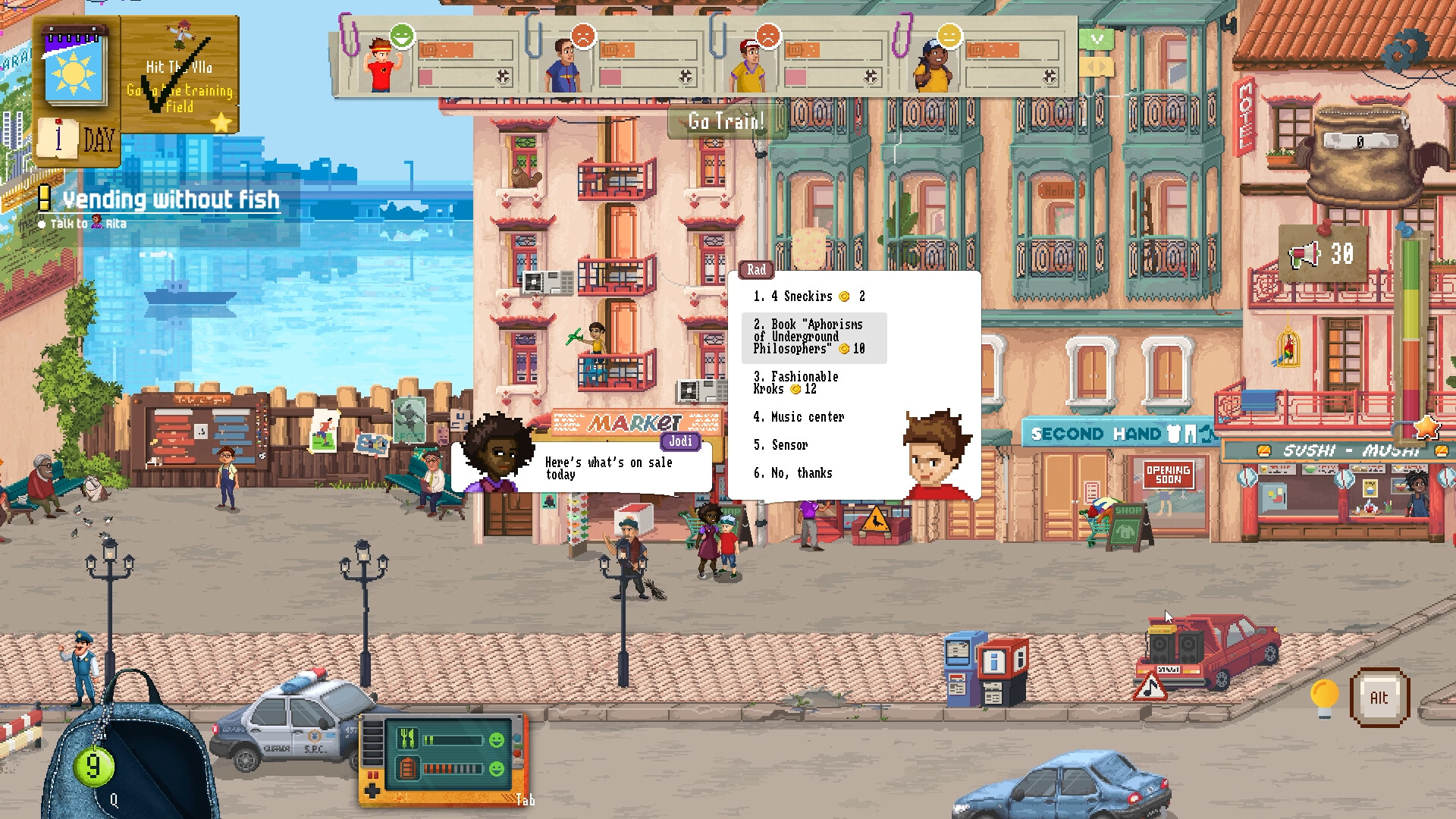
The Tools Hub collects practical prep pages for Football Story — check whether your machine can run the cozy football RPG, what Steam lists for min/rec specs, and how to think about controllers or Steam Deck before December 4, 2026. This is not a cheat console and not a scripts dump. It is the utility drawer beside Guides and Updates.
Language packs, controller notes, and Deck status live on Platforms & Languages.
Pages in this section
- System Requirements — full minimum and recommended tables, storage, DirectX, Steam Deck untested note (featured)
What belongs in Tools vs Guides
| Tools | Guides / Tier List |
|---|---|
| Can my PC run it? | How do I train Rad? |
| Disk space / GPU class | Which role should I play? |
| Controller readiness | How do I recruit teammates? |
| Deck compatibility caution | Match tactics and shout timing |
If you are choosing a build order, leave this hub and open Skills. If you need the release calendar, open Release Date.
Pre-launch toolkit (quick)
- Compare your rig to System Requirements.
- Update GPU drivers and confirm 3 GB+ free space for the lean install size Steam advertises (re-check at launch — patches grow).
- Plug in a controller if you prefer pads — Steam lists full controller support.
- Install the demo (app 884380) while available as a live stress test.
- Wishlist the full game on Steam app 757550.
Controllers and accessibility of setup
Football Story’s match design leans on movement plus shout commands (Pass! / Shoot!). A gamepad is a natural fit and is marked recommended on store feature lists. Tools advice:
- Confirm Steam Input sees your pad before launch night.
- If you play keyboard/mouse, still skim Tactics so shout timing is intentional.
- On hybrid devices, test both input modes in the demo when possible.
Steam Deck note (short version)
Compatibility is not certified here as Verified. Public materials treat Deck status as unknown/untested until Steam’s widget says otherwise. Some players will still try Proton; results vary. Details and caution language live on the system requirements page.
After launch
Expect this hub to grow with calculators or checklists only when they stay factual — for example patch-size notes or graphics preset recommendations gathered from official posts. We will not host script executors or account tools.
Also browse
Frequently Asked Questions
Quick answers for Football Story players.
What tools do you offer for Football Story?
Practical prep pages such as system requirements and launch checklists. There are no codes or script tools on this wiki.
Where are the PC specs?
Open the System Requirements page for minimum and recommended Windows tables plus macOS/Linux and Steam Deck caution notes.
Is Football Story Steam Deck verified?
Do not assume Verified. Treat Deck support as untested/unknown until Steam’s official compatibility label says otherwise.
Should I use a controller?
Steam lists full controller support and recommends a gamepad. Keyboard remains possible; try both in the demo if you can.